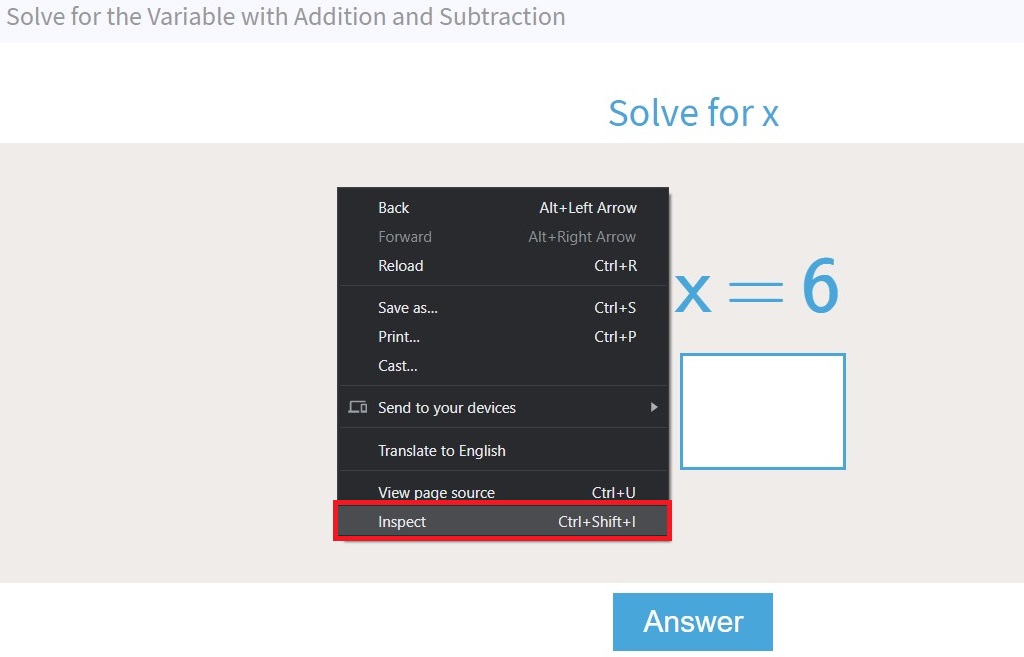
1. Right-click anywhere on the page
2. Select Inspect
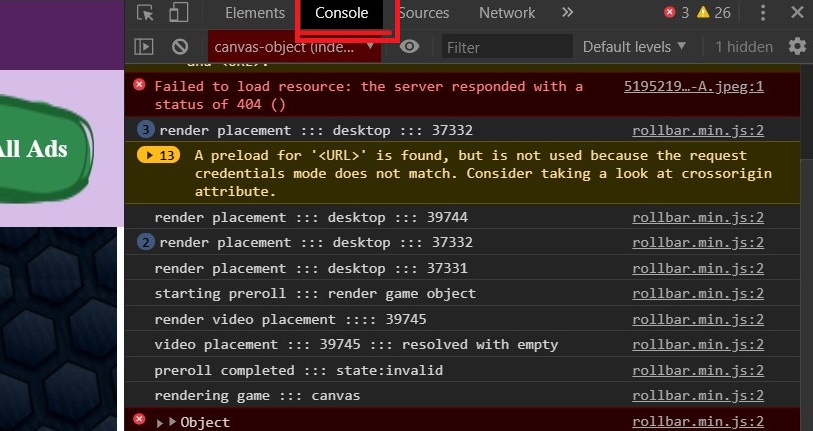
3. Select Console on upper tabs
4. Right-click anywhere in the console log area
5. Select Save as...
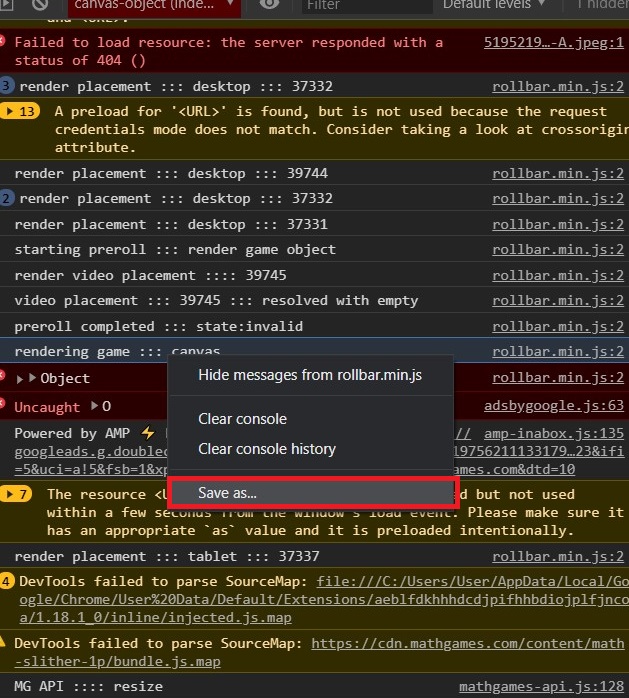
6. Save as text document
7. Attach the file in your reply

1. Right-click anywhere on the page
2. Select Inspect
3. Select Console on upper tabs
4. Right-click anywhere in the console log area
5. Select Save as...
6. Save as text document
7. Attach the file in your reply
Comments
0 comments
Please sign in to leave a comment.